Answering a customer without knowing who they are wastes the first minute.
Dialmio caller ID for business calls, drawn from your own records
Dialmio shows the name, stage and last note of a known lead on an incoming call, taken from your own records, not a spam directory.
Three days free, nothing locked, no card.

How does caller ID work in the Dialmio app?
Caller ID in Dialmio is built from your own business records rather than from a shared public directory, so when a number belonging to one of your leads rings, the screen shows that person name, the stage they have reached and the note from the previous conversation before anybody answers. That single screen removes the opening pause where a customer explains who they are and what they wanted, which is the part of an incoming call most likely to make a business look disorganised. Because the source is your account rather than a crowd database, the information is only as good as your own records, and it improves every time somebody files a call properly. A number nobody recognises is still shown as unknown, and one tap on the after-call sheet turns it into a lead with the source recorded as incoming.
In short
- Name, stage and last note before the call is answered
- Built from your own account, not a shared directory
- Unknown numbers become leads in one tap
- Works on the handset each caller already carries
At a glance
Caller ID from your own records: what does the feature do, and where does it stop?
| Caller ID from your own records | |
|---|---|
| What it does | Incoming calls arrive with the name, the stage and the last note attached. |
| Best for | Teams that take repeat calls from customers they have already spoken to |
| Where it runs | Any Android 8 or newer phone, calling on its own SIM; the owner dashboard opens in any browser |
| What is included | Part of the one plan, ₹162 per user each month on the yearly plan, or ₹249 on the three-month plan, taxes extra, with no per-minute or per-lead charge |
| Limits | Names only numbers already in your account; it is not a spam blocker or a public directory |
Facts checked September 2026.
How it works
How do you set up and use caller ID from your own records?
-
01Your records are the directory
Every lead, client and imported contact in the account becomes a name the app can recognise. No separate address book has to be built or maintained.
-
02A known number rings
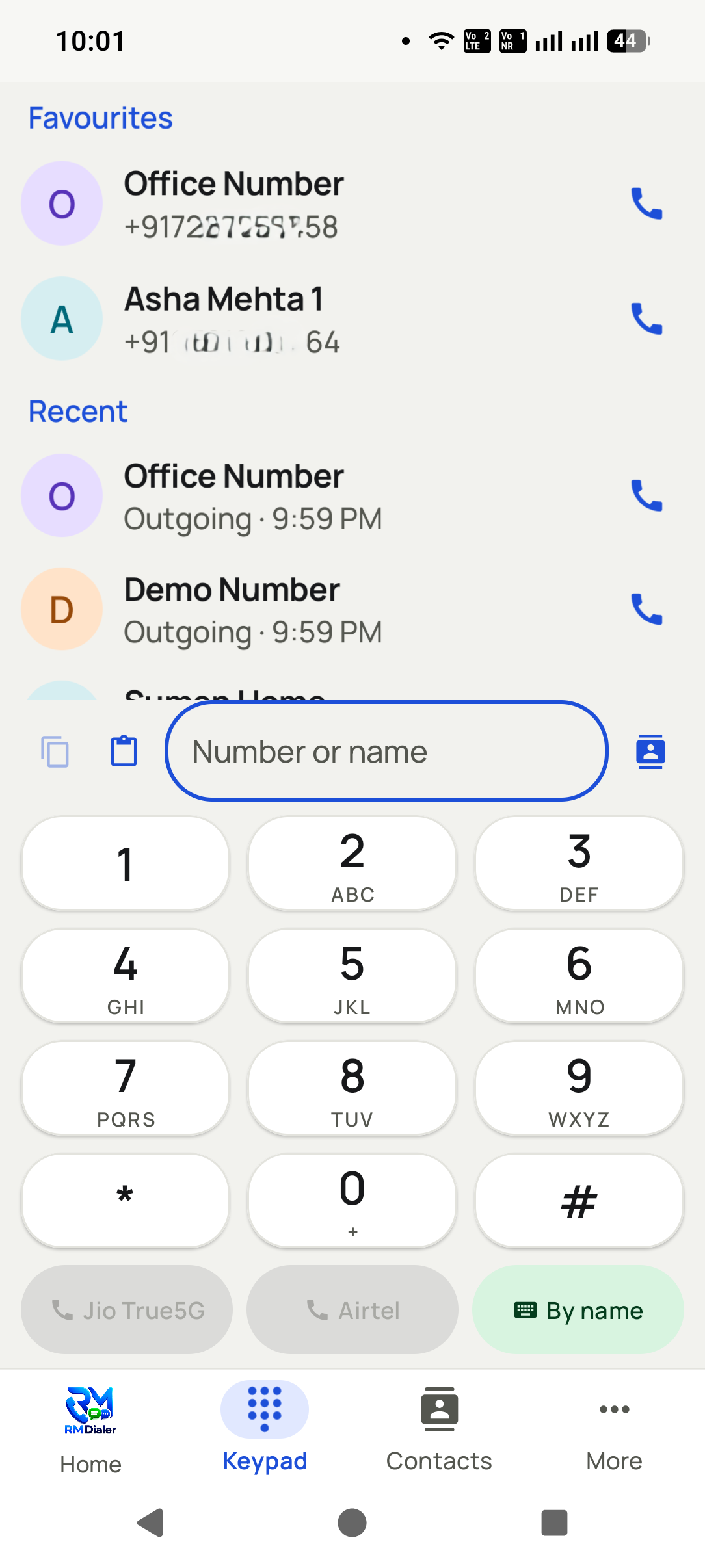
The screen shows the name, the pipeline stage and the last note before the call is answered, so the conversation starts from where the previous one finished.
-
03An unknown number becomes a lead
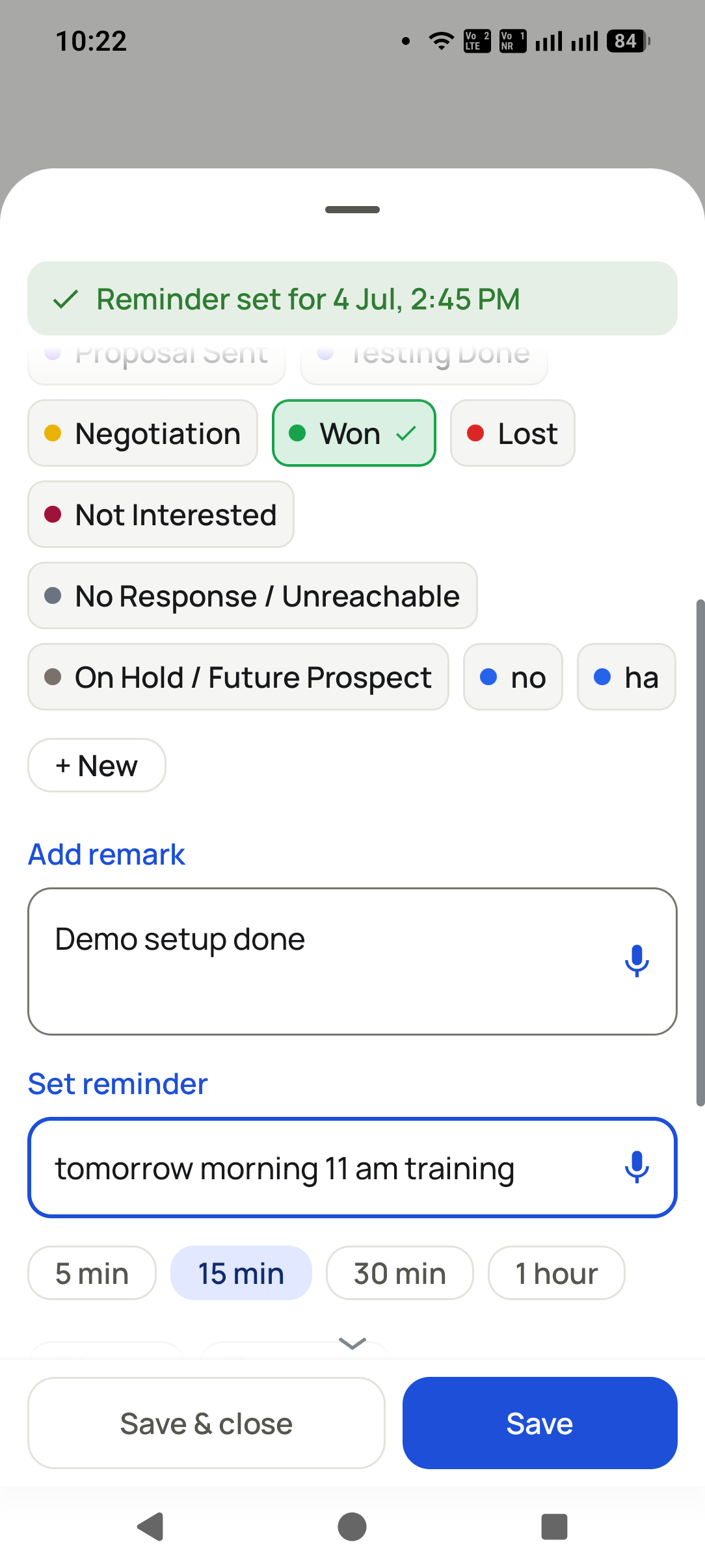
Answer, and the after-call sheet offers to create a lead in one tap with the source set to incoming, so the enquiry joins the pipeline instead of the phone log.


What you get
What do you get with caller ID from your own records?
No introductions twice
A returning customer is greeted by name with their history on screen, which reads as competence and costs the caller nothing.
Your data, not a crowd guess
The name comes from the record your business created, so it is accurate for the customers you actually have rather than approximately right for the general public.
The stage is on screen
Knowing that this caller is at quote sent rather than first enquiry changes the first sentence of the conversation, and the app puts that in front of the caller before pickup.
Strangers become leads instantly
An unknown number that turns out to be an enquiry becomes a proper lead from the after-call sheet, tagged as incoming, rather than a note in somebody phone.
Shared across the team
The record belongs to the company, so a colleague answering a call for somebody on leave sees the same context the usual owner would have.
No spam list to maintain
Nothing here depends on a shared blocklist or on any permission to publish your customer names to a directory.
From teams using Dialmio
What do owners and callers say about Dialmio?
A customer rang back four months later and the caller who answered had the whole thread on screen. He asked how we remembered his plot number.
Duplicates were killing our sheet: the same buyer under three spellings. Here the number is the record, so he exists once with his full history.
We set the gap between calls to thirty-five seconds so the note gets typed before the next customer answers. Our data went from rubbish to reliable with one setting.
These are the words of customers who agreed to be quoted this way, sent over WhatsApp or said on a call, shortened only where they ran long. No star total or review count is published, because there is no public rating page to point at yet. Last checked September 2026.
Questions
What do people ask about caller ID from your own records?
How does caller ID work in the Dialmio app?
Caller ID in Dialmio is built from your own business records rather than from a shared public directory, so when a number belonging to one of your leads rings, the screen shows that person name, the stage they have reached and the note from the previous conversation before anybody answers. That single screen removes the opening pause where a customer explains who they are and what they wanted, which is the part of an incoming call most likely to make a business look disorganised. Because the source is your account rather than a crowd database, the information is only as good as your own records, and it improves every time somebody files a call properly. A number nobody recognises is still shown as unknown, and one tap on the after-call sheet turns it into a lead with the source recorded as incoming.
Does Dialmio need permission to see my contacts?
Contacts access is requested when the feature is first opened, with the reason shown, and it is what lets a familiar name appear on an incoming call. Declining leaves the rest of the app working while this one capability stays idle.
Is this a spam blocker?
No. Dialmio does not maintain a shared spam directory and does not ask to be the call screening app on your phone. It names the callers your business already knows, which is a different job.
Will it name people who are not in my account?
No. An unfamiliar number shows as unknown rather than being guessed at from a public database, which keeps the app from putting a wrong name in front of a caller.
Does it work on a dual-SIM phone?
Yes. Incoming calls on either SIM are recognised, and the business SIM can be set as the default for outgoing calls so the customer always sees the same number back.
Do my customer names leave my account?
No. Names are shown from your own company account to your own team. Nothing about your customer list is published to a directory or shared with other businesses.
What if two leads share one number?
The number is the key, so both are shown on the same thread rather than competing for the screen. Businesses selling to households find this is usually the honest picture anyway.
How does Dialmio handle missed calls?
An unanswered call goes straight into a callback queue showing the customer name where the number is known, the time and which caller it rang. Whoever holds the queue returns the call from the list, the outcome is filed as with any other call, and the owner can see how many missed calls came back and how fast.
What happens when a number that is not a lead calls?
The call is logged like any other, and the caller can convert it into a lead from the after-call sheet with one tap, source marked Incoming. A number that rings twice becomes one record with two calls on it, never two records.
What happens to the call history if a phone is lost or a caller leaves?
Every call and note is stored in the company account rather than the handset, so signing in on a replacement phone brings it all back. When a caller leaves, remove their access and reassign their leads to a colleague; every call and note travels with the lead.
Is Dialmio a call tracker or a CRM?
Both, inside one record. A bare call tracker tells an owner how many calls were made. A CRM tells the team what was discussed and what comes next. Dialmio logs the call and pins the outcome, the note, the follow-up and the WhatsApp to the same lead, so tracking and selling share one screen instead of two tools.
Read next
Which features work alongside it?
Follow-up reminders that ring
Callbacks ring like an alarm at the agreed hour, with the last note already on screen.
OpenLead records and pipeline
Your stages, your fields, one thread per number, updated by the call itself.
OpenCall analytics and talk time
Talk time, connect rate and outcome spread, measured rather than reported.
OpenWhen your own number starts being ignored
Updated 14 July 2026
Protecting the number you call from
Pick-up rate has fallen across every caller at once.
Suspect the number before the list. A drop affecting everybody points at how the number is being labelled rather than at who is being rung. It is also invisible from inside the team, because your own phones show nothing unusual.
The same number is redialled several times a day.
Space the retries out. Repeated dialling of one number in a short window is among the clearest patterns that earns a label, and it rarely produces the answer that justified it.
A number has already been flagged.
Change the behaviour, then be patient. There is no switch that removes a label. Reputation recovers slowly through calls that get answered and conversations that happen, which is why prevention is the only real remedy.
What people ask about caller identification
How is this different from a caller ID app?
A caller ID app guesses from a database assembled out of other people contact lists. This reads your own records, so it speaks when it knows and stays silent when it does not, which is the behaviour you want on a business phone.
Why show the record rather than just the name?
Because answering already knowing the stage, the last conversation and what was promised is the difference between a useful call and asking a returning customer to explain themselves again.
What actually causes a business number to be flagged?
Calls people did not expect, calls answered by silence, and the same number dialled repeatedly. Working lists people asked to be on and spacing retries removes most of the risk before it exists.
Do we need a separate business SIM?
It is worth considering, and not only for reputation. A work number stays with the business when somebody leaves, whereas a personal one takes the relationships with it and the customer never knows anything changed.
What this rests on
- The behaviour described is how caller identification works in Dialmio, reading your own records rather than a shared database.
- The causes of spam labelling listed are the ones that actually drive it for calling teams.
What this page does not claim
- This is a page about our own feature. We operate no crowd-sourced identification database and make no claim to identify strangers.
- We never ask anybody to make Dialmio the call-screening app on their phone, and this feature does not require it.
Worth quoting
- A pick-up rate falling across every caller at once points at the number rather than the list.
- Spam labelling is invisible from inside a team, because your own handsets show nothing unusual.
- Repeatedly redialling one number in a short window is among the clearest patterns that earns a label.
- No setting removes a spam label; reputation recovers only through calls that get answered.
- Caller identification from your own records speaks when it knows and stays silent when it does not.
Put every call your team makes on the record
Three days free, nothing locked, no card.
₹162 per user per month on yearly billing. Every feature in one plan. Prices are per user, exclusive of taxes.